WoolMap Editors@yarn-notes ·
Follow (RSS)Photographing a Finished Piece So Colour Reads True
Textiles are hard to photograph. Colour shifts with every change of light, texture flattens out, and the thing that makes a handmade piece special, the drape of a shawl, the lift of a cable, the slight halo on a mohair yarn, is exactly what a quick phone snap loses. Then the photo becomes the first thing other makers see, and the thing they judge your pattern or your yarn by.
You do not need a studio to do better. You need decent light, a plain background, a short list of shots, and the patience to compare the screen with the piece in your hand. This post is about that last part especially: making a photo that tells the truth about a finished piece.
Light comes first
Almost every problem with craft photos starts with the light. The most forgiving source is indirect daylight: next to a large window that the sun is not shining straight through, or outdoors on an overcast day, or in open shade. It is soft enough to show texture without harsh shadows, and it renders colour more faithfully than most indoor bulbs.
A few habits that help:
- Turn off the room lights when you shoot by a window. Mixing warm bulbs with cool daylight gives you a piece that is two different colours at once, and no amount of editing fully fixes it.
- Side light shows texture. Light coming across the fabric from one side throws tiny shadows into every stitch. Light from straight behind the camera flattens it.
- Use a white card or a sheet of paper on the shadow side to bounce a little light back if the dark side looks muddy.
- Avoid direct midday sun. It bleaches pale colours and turns dark ones into black shapes.
Get the colour honest
Colour is the most common complaint about yarn and finished-object photos: "it looked green in the photo and arrived teal". Some of that is screens, which all differ, but a lot of it can be fixed before publishing.
Put something neutral in the frame for at least one test shot: a plain white sheet of paper or a grey card. If the paper looks blue or orange on your screen, your white balance is off. Most phone and camera editors have a white-balance or temperature tool; nudge it until the paper looks white, and the yarn will usually fall into place.
Then do the simplest check of all. Hold the finished piece next to your screen in the same light and compare. If the photo is more saturated, more contrasty or a different hue, pull it back. Filters and "vivid" modes are lovely for a mood shot and misleading for a pattern or a yarn review.
Some colours are genuinely hard to capture: deep reds, certain purples and blues, and very saturated neons often look wrong on camera. When that happens, say so in the caption. A line like "the real colour is a little warmer than it looks here" saves readers from a disappointing purchase.
The shots other makers want to see
A single beauty shot is rarely enough. Think about what someone deciding whether to make the piece would want to check, and plan a small set:
- The whole piece, laid flat, so its shape and proportions are clear. Straighten it carefully; a crooked flat-lay looks like a crooked garment.
- The piece worn or in use, on a person, a dress form, a chair, a table. This is where fit and drape show.
- A close-up of the fabric, filling the frame with stitches, so the texture and stitch definition are visible.
- Details that are easy to get wrong: the neckline pick-up, a seam, the button band, a colourwork join, the wrong side if it matters.
- Something for scale, especially for small items like hats, mittens and amigurumi. A hand, a mug or a ruler is enough.
Choose one of these as the post's cover. It is the image that represents the post wherever it is shown, so it should read clearly even when small: one strong shape, not a crowded table.
Show drape and movement
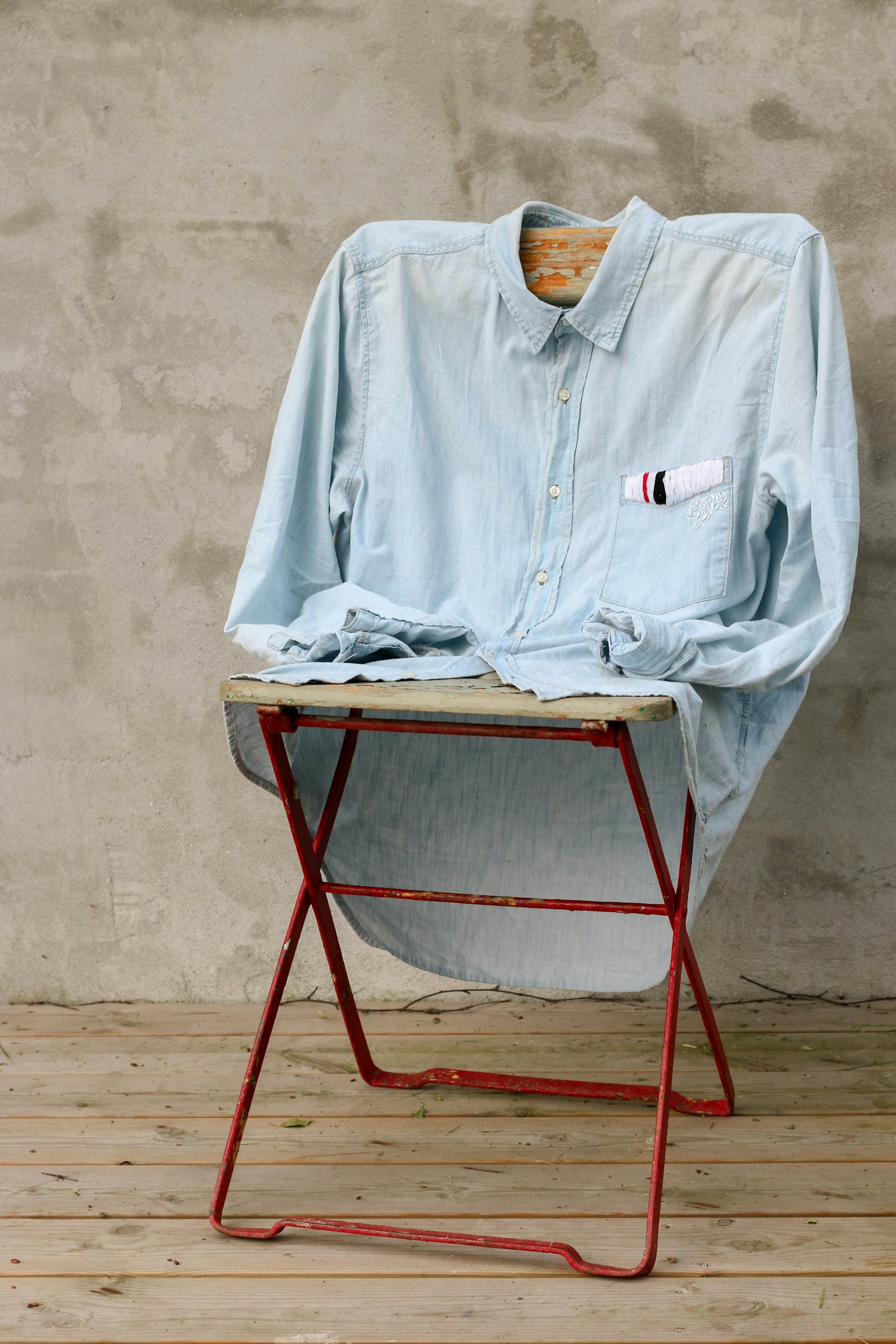
Knitted and woven fabrics move, and how they move is half of what makes them work. A shawl photographed flat looks like a triangle; the same shawl over a shoulder shows how it falls. Let fabric hang from a hanger or a hook against a plain wall. Gather it loosely in a hand. If someone is wearing the piece, take a few frames while they move rather than holding one stiff pose; the slightly loose shots are often the most informative.
For fitted garments, a front, back and side view lets readers see how the shaping sits. Note the size made and roughly how much ease it is worn with in the caption, so the photo can be read against the pattern's numbers.
Keep the background quiet
The background's job is to stay out of the way. Plain walls, a wooden floor, a linen sheet or a large sheet of card all work. Choose something that contrasts in tone with the piece: pale yarn against a darker surface, dark yarn against a light one. Busy patterned rugs and cluttered shelves compete with the stitches for attention.
Props are fine when they tell the reader something true about the piece, such as a mug next to a cosy or a book next to a bookmark. They become a problem when they hide the work.
Captions, alt text and a light edit
Edit lightly: crop to straighten, correct white balance, lift the exposure a touch if it is dark. Avoid smoothing filters on close-ups; they erase the stitches you photographed them to show. If a photo needed heavy adjustment to look right, it is often quicker to reshoot it.
Then write a short caption for each image, saying what the reader is looking at, and alt text that describes it for people who cannot see it: "a grey cabled hat, laid flat, showing four cable panels meeting at the crown". Images you add to a post are hosted on the site, so you do not need a separate service to show them.
If the post is about the yarn rather than the object, pair these habits with the notes in writing about fibre and where it comes from. If it is a tutorial, process shots of hands mid-stitch matter even more than the finished piece; there is more on that in a first tutorial for total beginners.